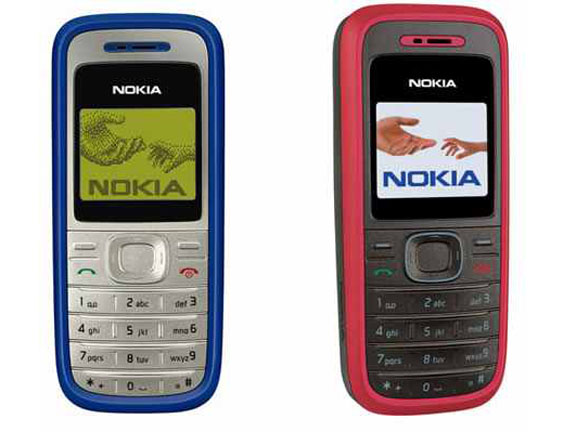

Nokia 1200 has a call-screening feature that enable you screen numbers you do not want to receive calls from. This can be useful if you do not want to answer calls from certain numbers. This page contains information on how to add a number to your screen list.
Where to Buy Nokia Phones
Jumia.com.ng from ₦8,000.00 Buy Now
Note that adding a number to your screen list does not stop the call from coming through. When you receive a call from a number in your screen list, your phone will not ring or vibrate. The only way to no that a screened call is coming through is that the backlight will glow.
You may also be interested in the Nokia G20, Nokia G10, Nokia T20, Nokia C10, and Nokia C20.
Numbers to add in your screened list are numbers you do not want to pick their calls and do not care if they know that you do not want to pick their calls. If you also have flashers disturbing you, you can add such numbers on your screen list.
How to add a number to Nokia 1200 screen list
- Press Menu soft key
- Select Contacts menu option
- Select No. screening Contacts menu option
- Press Options soft key
- Enter the number you want to screen
- Press OK
You can add a contact in your phone book, by pressing the Search soft key, Highlighting the contact you want to screen, and pressing OK.
How to remove a number to Nokia 1200 screen list

- Press Menu soft key
- Select Contacts menu option
- Select No. screening Contacts menu option
- Highlight the number you want to remove from screen list
- Press Options soft key
- Select Delete number
- Press OK to confirm
Want to know more about Nokia 1200