

Creating videos has traditionally been a labor-intensive process that demands significant time, technical expertise, and resources from content creators. Between scripting, filming, editing, and post-production, what should take hours often stretches into days or weeks.
Artificial intelligence is revolutionizing this landscape by offering powerful solutions that dramatically accelerate the entire workflow. Modern ai generator technologies, particularly AI Video Generator tools, are transforming static images and text into dynamic, engaging video content within minutes rather than days.
This shift addresses two critical needs that content creators face daily: producing videos efficiently without sacrificing quality, and maintaining consistent output to meet audience demands across platforms. This article explores how AI image to video tools solve these pressing challenges by combining automation with creative flexibility.
You’ll discover practical steps to integrate these technologies into your workflow, understand the mechanics behind AI-powered video creation, and learn best practices that ensure your content stands out. Whether you’re managing social media channels, building educational content, or developing marketing materials, these insights will help you harness AI to create stunning videos faster than ever before.
Understanding AI Image to Video Generators
AI image to video generators are sophisticated software tools that leverage machine learning algorithms to transform static images into dynamic video content with minimal manual intervention.
These systems analyze visual elements within photographs or graphics, then apply motion, transitions, and effects to create fluid animations that tell compelling stories. The technology works by identifying key features in images—such as faces, objects, and backgrounds—and intelligently interpolating movement between frames to simulate natural motion.
An AI Image Generator often serves as the starting point, creating high-quality visuals that become the foundation for video content. The process extends beyond simple slideshow creation; advanced algorithms can add depth perception, simulate camera movements like pans and zooms, and even generate entirely new frames to smooth transitions.

Text to Video capabilities complement this by converting written scripts or descriptions directly into visual narratives, eliminating the need for pre-existing imagery altogether. This convergence of technologies represents a fundamental shift in content production, democratizing video creation by removing technical barriers that once required specialized skills in animation and editing.
The transformative power lies in accessibility—creators can now produce professional-grade videos without expensive equipment or extensive training, focusing instead on creative vision while AI handles the technical execution.
Why Content Creators Need AI Video Tools
Traditional video production presents formidable obstacles that drain both time and budgets from content creators working across industries. Shooting footage requires coordinating schedules, securing locations, managing equipment, and often hiring specialized crew members—investments that small teams and independent creators simply cannot sustain consistently.
Post-production compounds these challenges with hours spent on editing, color correction, sound mixing, and rendering, tasks that demand technical proficiency many creators lack. The pressure to maintain regular posting schedules across YouTube, Instagram, TikTok, and other platforms creates an impossible dilemma: compromise on quality to meet deadlines, or sacrifice consistency to preserve standards.

AI video tools directly address this bottleneck by collapsing timelines from weeks to hours while maintaining professional-grade output. A marketing professional who once spent three days producing a product demo can now generate comparable content in thirty minutes, reallocating saved time toward strategy and audience engagement. Educational content creators benefit similarly, transforming lesson concepts into visual explanations without mastering complex animation software.
Boosting Efficiency with Automation
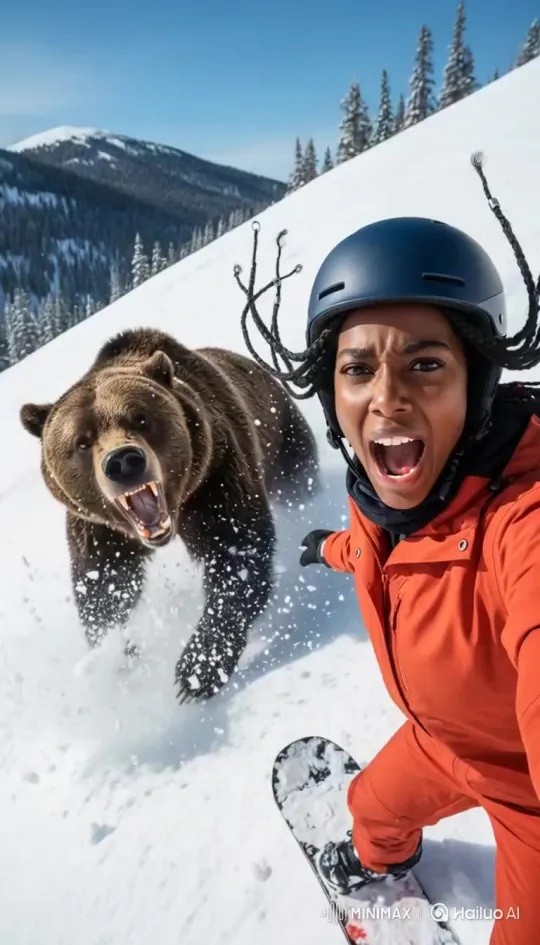
AI-powered automation eliminates repetitive manual tasks that consume the majority of production time. Batch processing capabilities allow creators to convert dozens of images into video sequences simultaneously, while intelligent rendering engines optimize export settings automatically based on intended platforms.
Template systems learn from previous projects, applying consistent branding, transitions, and timing across new content without manual configuration, reducing a multi-hour editing session to simple parameter adjustments that take minutes.
Enhancing Visual Quality with AI
Beyond speed, AI algorithms actively improve visual fidelity through computational enhancements impossible with traditional methods. Upscaling technology transforms low-resolution source images into crisp high-definition frames suitable for large displays, while style transfer applies cinematic color grading and artistic effects that previously required expert colorists.
Error correction automatically identifies and fixes common issues like noise, blur, and inconsistent lighting. When paired with AI Image Generator tools that produce optimized source materials, creators achieve broadcast-quality results from modest inputs, ensuring every frame meets audience expectations for professional polish.
Step-by-Step Guide to Creating Videos with AI
From Image to Video: The Core Process
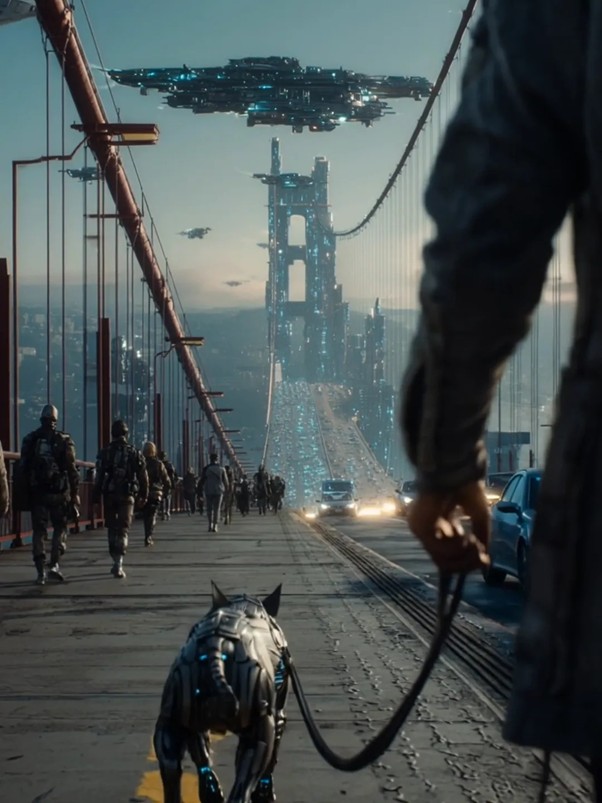
Begin by selecting high-quality source images that align with your narrative goals—photographs with clear subjects and good lighting yield the best results. Upload these images to your chosen AI video platform, where the system will analyze visual elements and suggest animation styles.
Configure motion parameters by selecting movement types such as zoom effects, panning directions, or parallax depth, adjusting duration sliders to control how long each image appears on screen. Preview the automated sequence to ensure transitions feel natural, then refine timing by dragging clips shorter or longer based on pacing needs.
Add audio elements like background music or voiceovers through the platform’s integrated library or by uploading custom files. Apply finishing touches such as text overlays, filters, or brand watermarks using drag-and-drop editors that require no technical knowledge.
Export your video by selecting the appropriate resolution and format for your target platform—most tools automatically optimize settings for YouTube, Instagram, or TikTok specifications, completing the entire process in under fifteen minutes.
Text to Video: Expanding Creative Possibilities
Start with a clear written script that describes your desired visual narrative, breaking complex ideas into concise sentences the AI can interpret accurately. Input your text into the platform’s script field, where natural language processing algorithms will analyze keywords and concepts to generate corresponding visuals.
The system matches descriptive phrases to relevant stock imagery, video clips, or AI-generated graphics that illustrate your message, assembling them into a coherent sequence. Customize the AI’s visual choices by specifying style preferences—whether you want realistic footage, animated graphics, or illustrated scenes—ensuring the output matches your brand aesthetic.
Adjust voiceover settings to select synthetic narration voices or upload your own audio recording to accompany the generated visuals. Fine-tune scene transitions and pacing through timeline controls, ensuring the video rhythm matches your content’s tone. This text-to-video approach proves invaluable when you lack source imagery, enabling complete video production from written concepts alone while maintaining creative control throughout the automated generation process.
Top AI Tools for Stunning Video Generation
The landscape of AI Video Generator platforms offers diverse solutions tailored to different creator needs and skill levels. Runway ML stands out for professionals seeking advanced control, combining image-to-video capabilities with sophisticated editing features that allow frame-by-frame adjustments while maintaining automated efficiency.
Pictory excels in text-to-video conversion, automatically matching scripts with relevant stock footage and generating voiceovers, making it ideal for educators and marketers who work primarily with written content.
Synthesia specializes in avatar-based presentations, transforming static images and text into videos featuring realistic AI presenters—perfect for corporate training and explainer content.
HailuoAI has emerged as a versatile option for creators looking to generate dynamic video content from text prompts and images, offering intuitive controls that balance automation with creative flexibility.
Lumen5 targets social media creators with platform-optimized templates that automatically format videos for Instagram, TikTok, and YouTube specifications.
For creators prioritizing visual quality, tools integrating AI Image Generator capabilities like DALL-E or Midjourney produce custom graphics before animating them, ensuring unique visuals unavailable in stock libraries.
Budget-conscious creators benefit from Canva’s video features, which blend accessible design tools with basic AI animation at minimal cost. The best choice depends on your specific workflow: select Runway for creative flexibility, Pictory for script-heavy projects, or Lumen5 for rapid social media production, ensuring the tool aligns with your content type and technical comfort level.
Best Practices for Maximizing Quality and Efficiency
Optimizing your AI video workflow begins with selecting source materials that provide clean, well-composed visuals—images with strong focal points, balanced lighting, and sufficient resolution ensure algorithms have quality data to work with. Before uploading, crop unnecessary elements and adjust exposure to create consistent visual foundations across your project.
Configure AI settings deliberately rather than accepting defaults; experiment with motion intensity sliders to find the sweet spot between dynamic movement and distracting overanimation. Combine automated generation with strategic manual refinement by reviewing AI outputs critically and making targeted adjustments to timing, transitions, or effects that feel off-brand or jarring.
Maintain a library of successful templates and presets that capture your style, allowing you to apply proven configurations quickly to new projects while preserving creative consistency. Leverage AI Image Generator tools to create custom visuals when stock options feel generic, ensuring your content maintains originality even within automated workflows.
Balance efficiency gains with human creativity by using saved time for strategic tasks like audience research, storytelling refinement, and platform-specific optimization that AI cannot replicate. Test outputs across devices before publishing to confirm quality translates from desktop previews to mobile screens, where most audiences consume content, catching resolution or pacing issues that automated systems might miss.
Transform Your Content Creation Today
AI image to video tools have fundamentally transformed content creation by solving the twin challenges of time constraints and quality demands that plague modern creators. Technologies like AI Video Generator platforms and AI Image Generator systems collapse production timelines from weeks to hours while delivering professional-grade results that meet audience expectations across all platforms.
These tools democratize video production by removing technical barriers, enabling creators to focus on storytelling and strategy rather than wrestling with complex editing software or expensive equipment. The practical steps outlined—from selecting quality source materials to leveraging text-to-video capabilities—provide an accessible roadmap for integrating AI into your workflow immediately.
By combining automated efficiency with strategic human creativity, you can maintain consistent posting schedules without sacrificing the visual polish that distinguishes compelling content from forgettable noise.
The competitive advantage belongs to creators who embrace these technologies now, building streamlined workflows that scale with audience growth. Start experimenting with AI video tools today to discover how quickly you can transform static images and simple scripts into stunning videos that captivate viewers and elevate your content above the crowded digital landscape.