

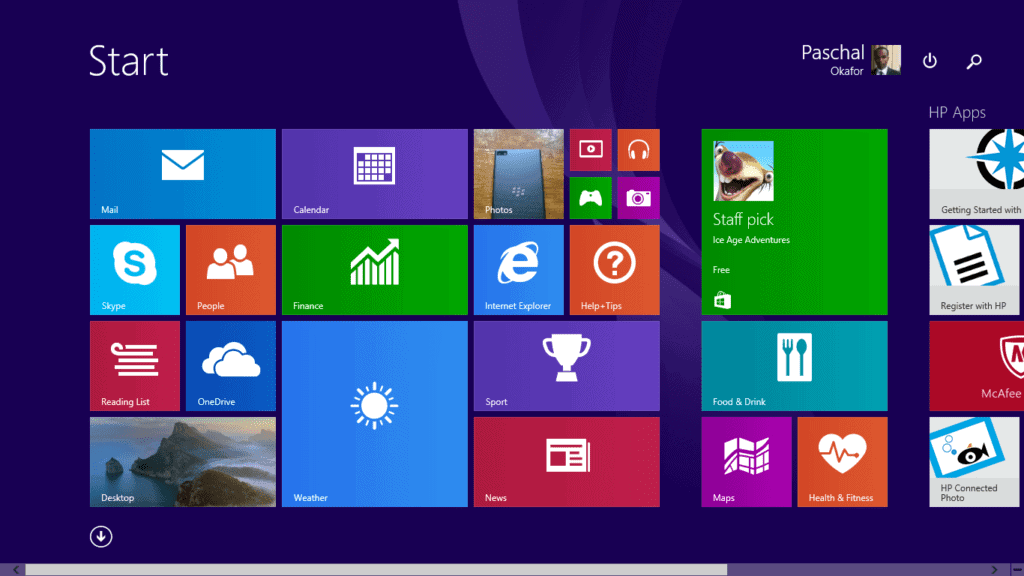

Windows 8 is the latest edition of the Windows operating system. If you have checked out Windows 8 features and are now ready to upgrade you will find how to upgrade here. Windows 8 is more power efficient than Windows 7, so if you are currently running Windows 7 on your machine chances are that you will be able to run Windows 8.
However, Microsoft in an effort to reduce or avoid the pain of upgrading to Windows 8 in non-compatible PC has released a Windows 8 Upgrade assistant. The Upgrade assistant will scan your hardware, software, and connected peripheral devices and ensure that they meet Windows 8 system requirements.
The Windows 8 upgrade assistant will present a report detailing the level of compatibility of your system. It will also inform you of which applications will not work on Windows 8, which ones will require upgrade, and which devices will not work with Windows 8.
If your device is not fully compatible, the Windows 8 upgrade assistant will also inform you of features you have to forgo if you decide to install Windows 8 on your limited machine.
In the end Windows 8 Upgrade assistant will present you with an option to buy, download, and install Windows 8. The Windows 8 Upgrade Assistant is the best way to upgrade to Windows 8. You can download it at the Microsoft Windows website. You don’t even need to buy Windows 8, you can just run it out of curiosity to see if your PC is compatible.
According to Microsoft, if you are upgrading from Windows 7, your files, applications, and settings will easily transfer to Windows 8. However, if you are upgrading from Vista or Windows XP, you will have to reinstall your applications after the upgrade.




