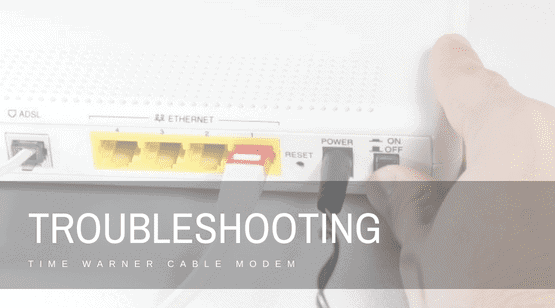

Cable modems may experience multiple technical problems that can manifest themselves as a number of issues in your home Internet connection. Slow Internet speeds, broken connectivity and sometimes, inability to connect to the network at all are a few of the most common issues related to cable modems.
Each of these issues needs different troubleshooting processes for Time Warner Modem.
Some simple and easy steps may address such issues, including the ones that your cable modem may experience.
What are the steps for Troubleshooting?
You must follow a few easy steps to troubleshoot your time warner cable modem, here are three steps that you need to follow and you will done with your work. But make sure you have some technical knowledge while performing these all steps.
Without wasting further time, let’s move forward with those steps.
Step 1. Resetting the Modem
You first need to reset the Time Warner cable modem by pulling out its power cord for around 30 seconds and then, putting it back.
This may help you eradicate network timeouts and any other common errors that may appear on the cable modem and that has been creating issues persistently.

Step 2. Some Cleaning Work
Unscrew the coaxial cable and pull it out from the coaxial connection of the modem. Clean the coaxial connection at the back of your modem with a dry and soft cloth to wipe out any static electricity puff.
Further, see the copper needle that is in the middle of the coaxial cable and ensure that there should not be any damage or bending. Now, screw on the metal connector to reconnect the coaxial cable until it is just completely hand tight.
Step 3. Switching
Switch the modem’s ethernet cable with another one to test the ethernet port of the modem. It is usual for ethernet cables to just go out. However, if you are still facing problems even after trying multiple ethernet cables then, there might be any other issue with the port.
Conclusion
Even after performing all the troubleshooting steps the Time Warner Modem issues still persist then you must call Time Warner cable customer service and talk to their skilled professionals to get your problems resolved. They readily available at your service for 24×7 throughout the year.

Still, if you don’t have time or don’t want to contact time warner cable customer service then you can share your problem with us in the comment section, we would love to help you out, if possible.